

HOW TO ACCESS

Marketing Packages

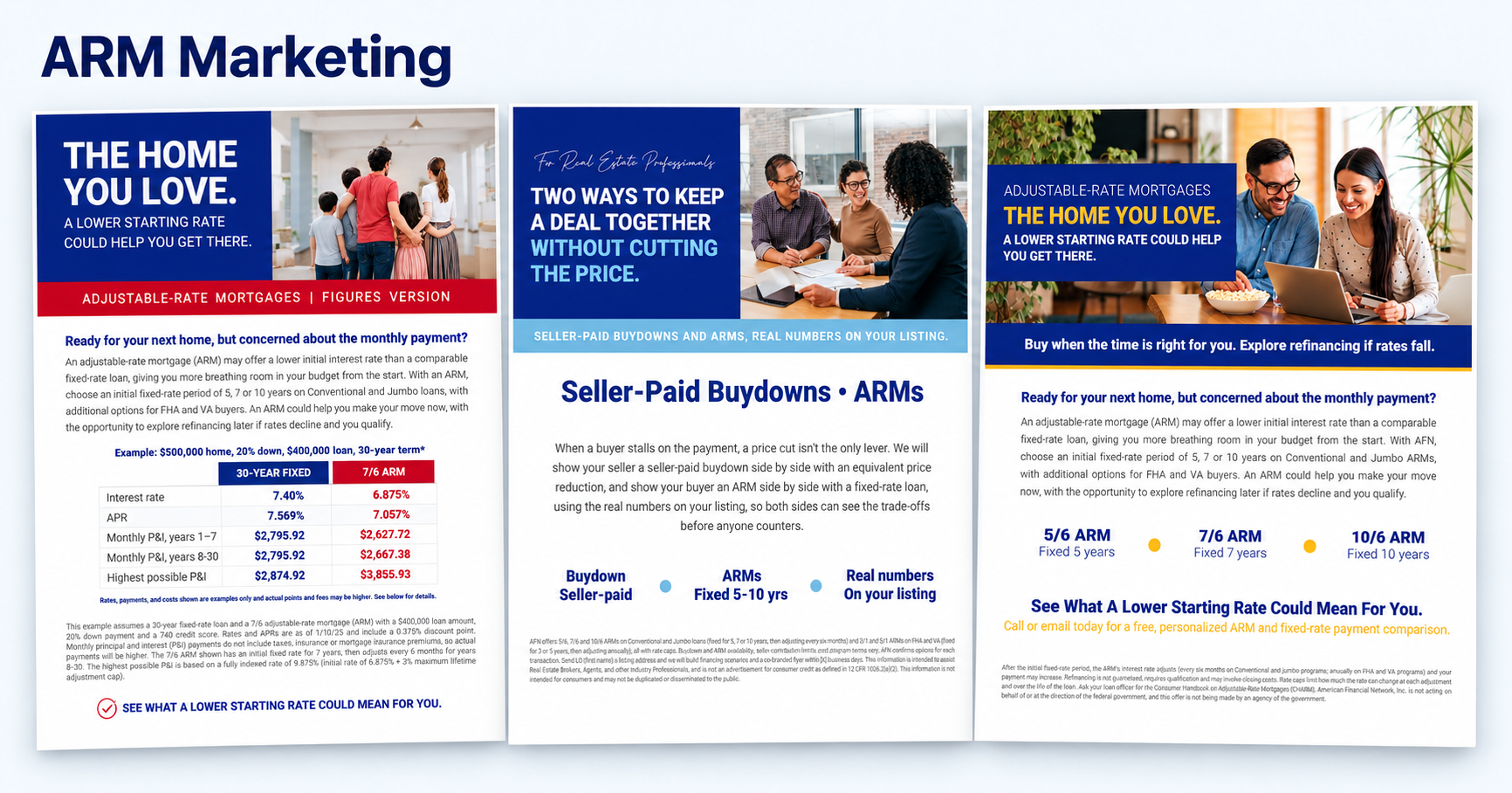
Choose a conversation to start with your clients and referral partners.
Flyers are available in the Interim Marketing Campaign Library, and social media posts can be accessed through the link below. Until the full ROCK launch, the Marketing team will handle your ad hoc email requests. Simply click to submit a request or email marketing@afncorp.com, and they’ll take care of the rest.


How to Download a Flyer

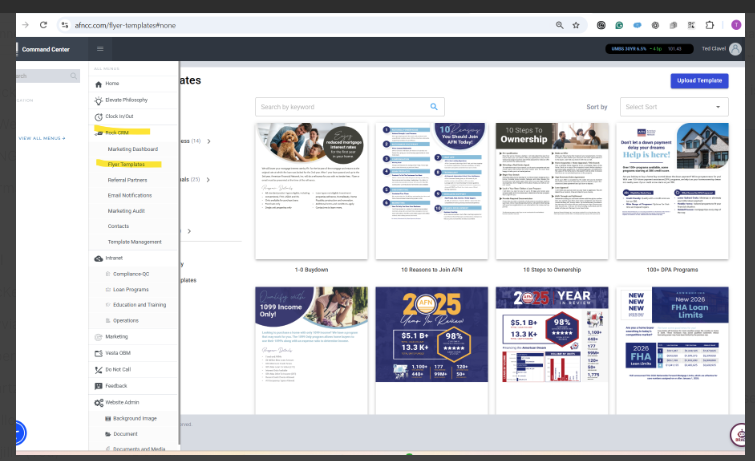
  1. Go to: AFN Command Center and sign in.

  2. Navigate to: Open the menu, select ROCK CRM, then Flyer Templates.

  3. Search: Enter a keyword in the search bar to find the flyer you need, such as ARM, Buydown, or DSCR.

  4. Download: Select your flyer and follow the on-screen prompts to download and save it to your computer.