

How to Download a Flyer
-
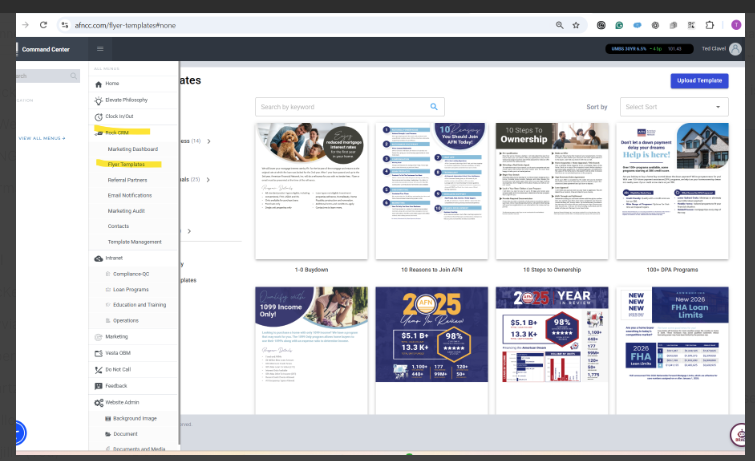
Go to: AFN Command Center and sign in.
-
Navigate to: Open the menu, select ROCK CRM, then Flyer Templates.
-
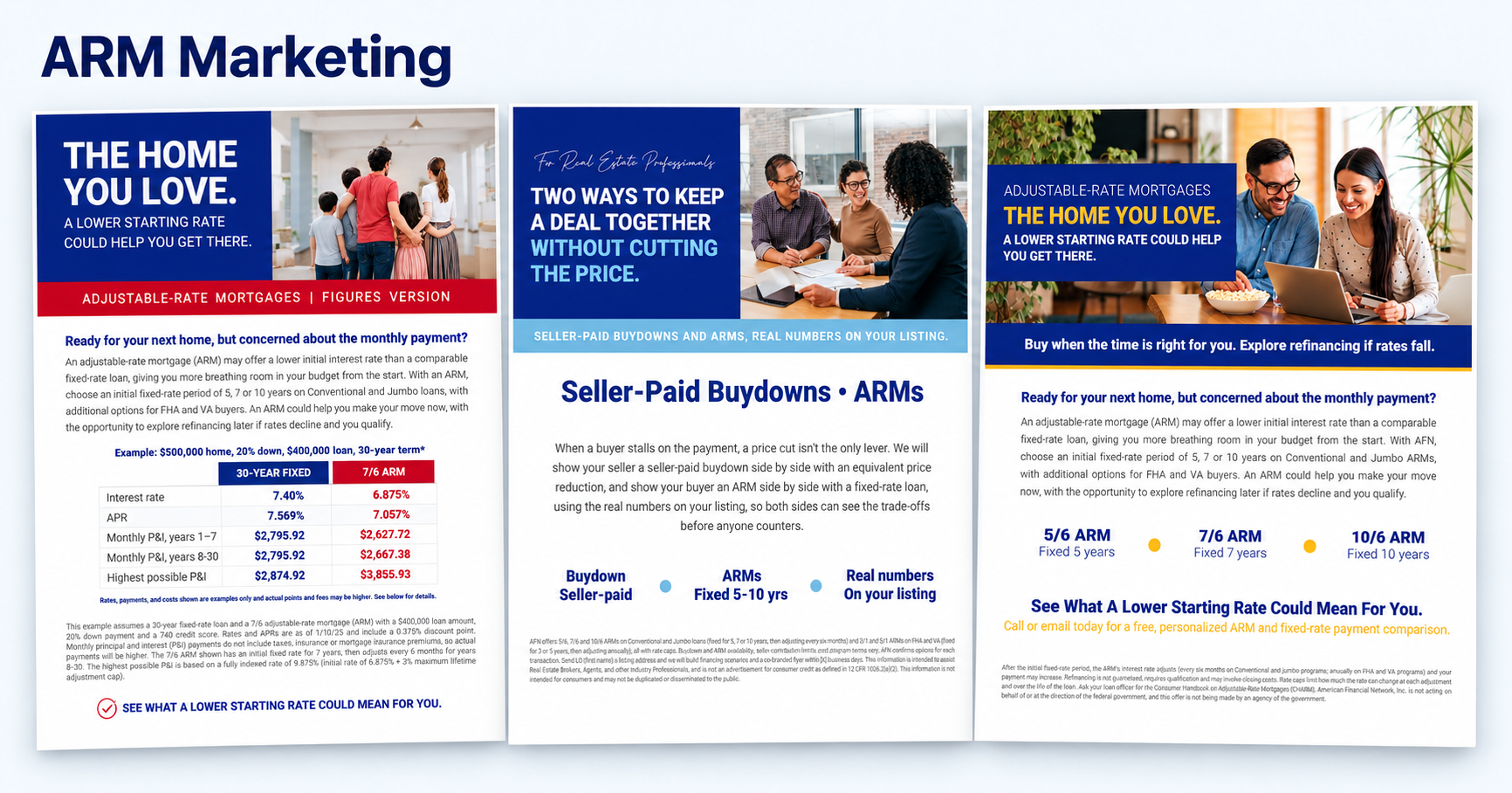
Search: Enter a keyword in the search bar to find the flyer you need, such as ARM, Buydown, or DSCR.
-
Download: Select your flyer and follow the on-screen prompts to download and save it to your computer.